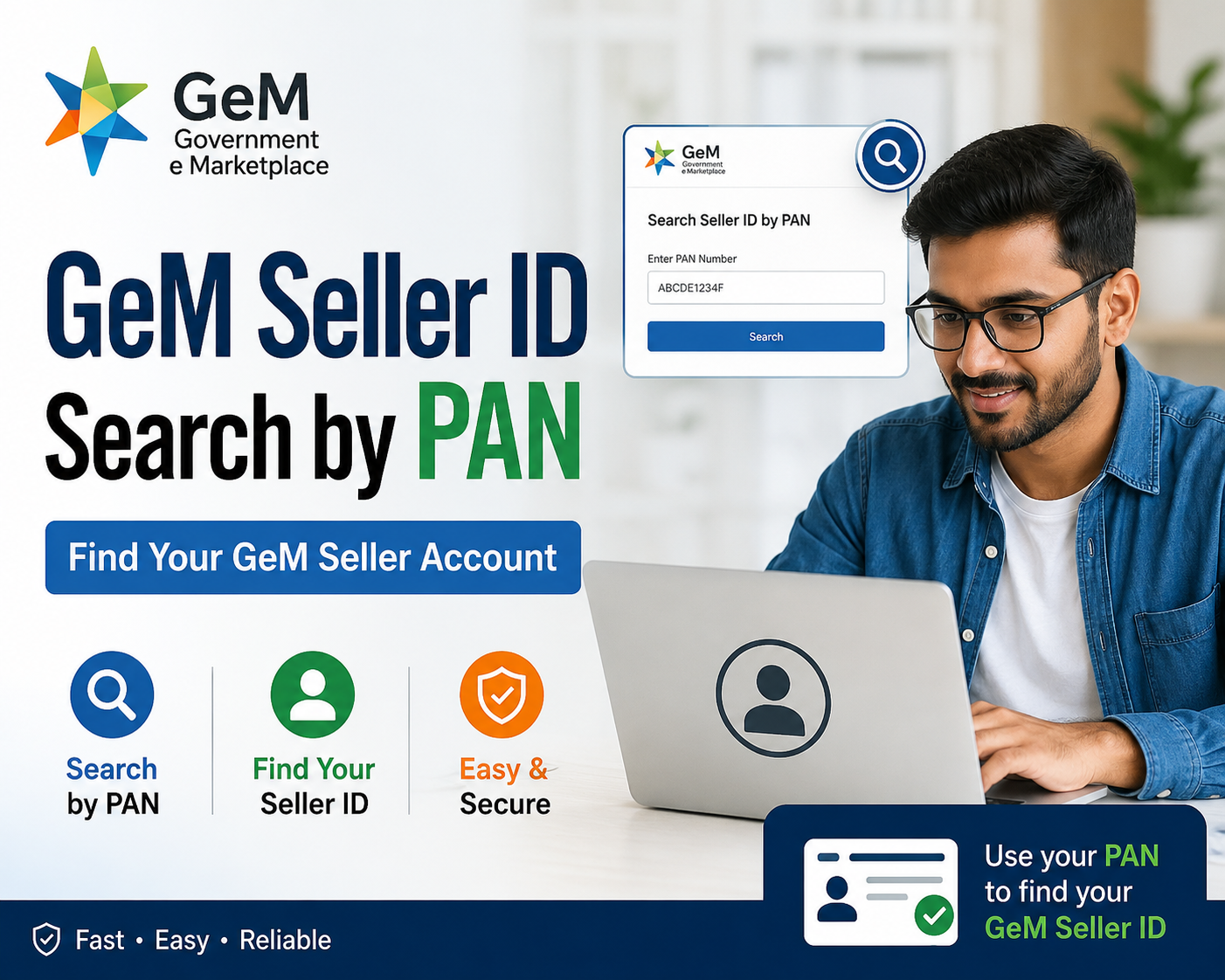
GeM Seller ID Search by PAN | Find Your GeM Seller Account
Government e-Marketplace, popularly known as GeM, has changed the way Indian businesses deal with the public sector.
Whether you are a government buyer trying to verify a vendor or a seller trying to check your own registration status, a GeM Seller ID search by PAN is one of the fastest ways to confirm who you're dealing with.
This guide walks you through what GeM Seller ID search by PAN actually means, why it matters, and exactly how to do it, step by step.
What Is GeM and Why Does Seller Verification Matter?
GeM is a fully government-owned National Public Procurement Portal, built as a dedicated online marketplace for goods and services procured by government organisations, departments, and PSUs. It offers e-bidding, reverse e-auction, and demand aggregation tools so that government buyers get the best value for money.
Because thousands of crores worth of contracts move through this platform every year, verifying a seller's identity before placing an order or awarding a bid is critical.
That's exactly where a GeM Seller ID search by PAN becomes useful — it lets a buyer department, an auditor, or even a competing vendor confirm that a company is genuinely registered and trading legitimately on GeM.
What Is a GeM Seller ID?
A GeM Seller ID is a unique identification number assigned to every registered seller or service provider on the portal at the time of onboarding. Think of it as a business's digital fingerprint on GeM — every catalogue entry, every bid participation, and every order fulfilment gets tagged against this ID.
The portal allows users to search seller details, including the firm's name and the type of business entity, simply by using this seller ID.
Since the seller ID itself is tied to the organisation's registration data, a GeM Seller ID search by PAN essentially works by cross-referencing the PAN used during onboarding with the seller ID generated for that business.
Why PAN Matters So Much on GeM
PAN (Permanent Account Number) is the backbone of identity verification on GeM. Sellers must validate their business PAN on the portal to complete their seller profile, and this PAN number is later used for tax return purposes.
Because PAN is a unique, government-issued identifier that cannot be duplicated, it becomes a natural anchor point for anyone attempting a GeM Seller ID search by PAN. Unlike a company name — which many businesses can share or spell in slightly different ways — PAN is precise, making it a far more reliable search parameter.
During primary seller or service-provider registration, applicants must furnish details such as the constitution type (proprietorship, firm, company, trust, or society), the constitution name, and either the Aadhaar number or the personal PAN of the authorised signatory of the ITR.
This means PAN is built into the registration process from day one, which is exactly why it works so well as a search and verification tool later on.
How to Do a GeM Seller ID Search by PAN—Step by Step
Here is the practical process most buyers and sellers follow when trying to run a GeM Seller ID search by PAN:
Step 1: Visit the Official GeM Portal
Go to the official website. Always use the official domain to avoid third-party sites that mimic government portals but are not authorized to hold GeM data.
Step 2: Log In
Once you log in, your dashboard displays your company name along with your GeM Seller ID. Buyers with department logins can access deeper seller-verification tools, including seller profile lookups, from within their dashboard.
Step 3: Navigate to Seller Details or Vendor Search
Within the portal, look for the seller search or vendor verification section. This is where a GeM Seller ID search by PAN is typically performed — you enter either the PAN or the seller ID, and the system pulls up matching organisation details.
Step 4: Enter the PAN Number
Type in the PAN number of the business you want to verify. The portal cross-checks this against its registered seller database. If the PAN matches an active seller account, the firm name, business entity type, and registration status are displayed.
Step 5: Review the Seller Profile
Once matched, you can view the firm's name and its type of business entity, which helps confirm whether you're dealing with a proprietorship, partnership, private limited company, or another structure. This is a crucial due-diligence step before finalising any order or bid award.
Step 6: Cross-Verify with the Seller ID
If you already have the GeM Seller ID from a bid document, quotation, or invoice, cross-check it against the PAN-based search result. A GeM Seller ID search by PAN should return the same organisation details as a direct seller-ID lookup — if they don't match, that's a red flag worth investigating further.
Business PAN Validation: The Seller's Side of the Story
For sellers, the PAN validation step happens much earlier, during profile setup. The Business PAN Validation section is required for tax purposes and asks for the PAN number, the name exactly as it appears on the PAN card, and the date as recorded on the PAN.
Any mismatch between the PAN details and the business name on record can cause validation failures, which in turn affects whether your business will even show up correctly when someone runs a GeM Seller ID search by PAN.
This is why sellers are strongly advised to double-check their PAN details before submission. A single typo in the name or date field can delay approval and create confusion later when buyers try to verify the account.
Documents Required for GeM Seller Registration
Before a business can be found through a GeM Seller ID search by PAN, it first needs to complete registration. Sellers typically need an active GSTIN, a PAN card for the company or proprietor, Udyam registration for MSMEs, bank account details, a cancelled cheque, and income tax return details. Companies also generally need MCA registration alongside their PAN and GST numbers. Once the documentation is submitted and verified, the seller receives their GeM Seller ID and login credentials via their registered email address.
Why Buyers Rely on GeM Seller ID Search by PAN
Government buyers handle public funds, so due diligence isn't optional — it's mandatory. A GeM Seller ID search by PAN gives procurement officers a quick, standardised way to:
- Confirm that a bidding vendor is genuinely registered and active on GeM
- Cross-check the business entity type against tender eligibility criteria
- Detect duplicate or fraudulent listings caused by mismatched PAN records
- Maintain an audit trail that links every transaction back to a verified tax identity
GeM's procurement process is designed to be transparent, allowing bids to be searched and viewed openly, and pairing that transparency with PAN-based seller verification strengthens accountability across the entire procurement chain.
Common Issues When Searching by PAN
Even with a well-designed portal, users sometimes run into snags while attempting a GeM Seller ID search by PAN. Here are the most frequent ones:
- Incomplete seller profiles — if a seller hasn't finished PAN validation, their record may not surface in search results.
- Name mismatches — small differences between the PAN-registered name and the trading name can cause confusion.
- Inactive or suspended accounts — a seller ID search by PAN may return a profile flagged as inactive rather than a full listing.
- Login-restricted data — some deeper seller-verification fields are only visible to logged-in buyer accounts, not the general public.
Tips to Make Your Seller Profile Easier to Find
If you're a seller wanting your business to appear cleanly whenever someone runs a GeM Seller ID search by PAN, keep these practices in mind:
- Complete every profile section, including organisation details, business PAN validation, office location, and bank account information — an incomplete profile can reduce your visibility on the platform.
- Use high-quality product images so your catalogue looks professional to buyers reviewing your listings.
- Add relevant, industry-specific keywords to your product descriptions and company profile to help buyers find your products more easily.
- Keep your profile updated regularly, especially contact details, product offerings, and certifications, since frequent updates signal to buyers that your business is active and reliable.
GeM Seller ID Search by PAN vs. Other Search Methods
While PAN-based search is one of the most reliable methods, GeM also allows lookups by seller ID directly, company name, or GSTIN in certain sections. However, PAN remains the gold standard because it's unique, government-verified, and directly tied to the seller's tax record. A GeM Seller ID search by PAN removes the ambiguity that can come from similarly named businesses or informal trading names, making it the preferred method for procurement officers, auditors, and even competing sellers doing market research.
Final Thoughts
A GeM Seller ID search by PAN isn't just a technical formality — it's a trust mechanism that keeps India's largest public procurement platform transparent and accountable. For buyers, it's the fastest way to confirm a vendor's legitimacy before committing public funds. For sellers, understanding how this search works is the key to keeping your own profile clean, complete, and easy to verify. Whether you're onboarding as a new seller or double-checking a potential vendor, mastering the GeM Seller ID search by PAN process will save you time and reduce procurement risk.
Frequently Asked Questions
1. What is a GeM Seller ID?
It's the unique identification number every registered seller or service provider receives after successful onboarding on the GeM portal. Source
2. What does "GeM Seller ID search by PAN" mean?
It refers to looking up a registered seller's profile and business details on GeM using their PAN number instead of their seller ID or company name. Source
3. Where can I search a GeM seller's details?
On the official GeM portal at gem.gov.in, where users can look up firm name and business entity type using a seller ID or PAN. Source
4. Is PAN mandatory for GeM seller registration?
Yes, PAN or Aadhaar of the authorised signatory is a prerequisite for primary seller registration. Source
5. Can a secondary user register using only a personal PAN?
Yes, secondary sellers now have the option to use a personal PAN for identity verification instead of Aadhaar. Source
6. What is Business PAN Validation on GeM?
It's a mandatory step where sellers submit their business PAN, the name as per PAN, and the PAN issue date for tax purposes. Source
7. Why is my business not showing up in a PAN-based search?
This usually happens if PAN validation is incomplete or the profile details don't match official PAN records. Source
8. What documents are needed for GeM seller registration?
GSTIN, PAN card, Udyam registration for MSMEs, bank details, a cancelled cheque, and ITR details. Source
9. How do I get my GeM Seller ID? It's issued automatically to your registered email once your registration and document verification are complete. Source
10. Can I check my GeM registration status online?
Yes, once submitted, your status shows as under process, approved, or rejected on the portal. Source
11. What happens after my GeM registration is approved?
You receive your GeM Seller ID and login credentials, after which you can create a catalogue and fulfil orders. Source
12. Can government buyers verify sellers using PAN before awarding a contract?
Yes, PAN-based verification is a standard due-diligence step buyers use to confirm vendor legitimacy. Source
13. Is GeM seller search open to the public?
Basic seller and bid information is publicly viewable, though some verification tools require a logged-in buyer account. Source
14. What is the difference between a GeM Seller ID and a GSTIN?
The Seller ID is a GeM-specific identifier for the platform, while GSTIN is the seller's tax registration number used across all business dealings. Source
15. Can I search a seller by company name instead of PAN?
Yes, but PAN-based search is more precise since it avoids confusion between similarly named firms. Source
16. What should I do if my PAN details don't match my GeM profile?
Correct your Business PAN Validation section with the exact name and date as shown on your PAN card. Source
17. Is Aadhaar compulsory for all sellers on GeM?
No, sellers can alternatively use their personal PAN for identity verification if they don't wish to use Aadhaar. Source
18. Can a primary seller add secondary users under the same PAN-registered business?
Yes, the primary seller can authorise secondary users for tasks like catalogue uploads and bid participation. Source
19. What is Vendor Assessment on GeM?
It's a facility for OEMs and resellers to validate their organisational and financial credentials for faster transaction participation. Source
20. How do I reset my GeM Seller ID login password?
Use the "Forgot Password" option on the login page and reset it via OTP sent to your registered email or mobile. Source
21. What if my GeM account gets locked? If it's locked due to inactivity or failed login attempts, wait 30 minutes or reset your password through the portal. Source
22. Who manages the GeM portal?
It's managed by the Ministry of Commerce and Industry as India's official public procurement platform. Source
23. What is the GeM helpdesk number for verification issues?
Sellers can call the toll-free numbers 1800-419-3436 or 1800-102-3436, available Monday to Saturday, 8 AM to 8 PM. Source
24. Does a GeM seller search show the business entity type?
Yes, along with the firm's name, the type of business entity is also displayed during a seller search. Source
25. How does PAN-based verification help prevent fraud on GeM?
Since PAN is unique and government-issued, it helps detect duplicate listings or mismatched vendor identities. Source
26. Can MSMEs register on GeM using PAN alone?
PAN is required, but MSMEs also need Udyam registration alongside PAN for full eligibility benefits. Source
27. What purchase categories require PAN-verified sellers?
Transactions above ₹50,000 typically require comparison among verified sellers, making PAN validation essential. Source
28. Is GeM registration mandatory to sell to government departments?
Yes, without registration and PAN validation, sellers cannot list or sell products to any government department. Source
29. Can I view live and closed bids without logging in?
Yes, bid listings are publicly viewable, though submitting bids requires a registered, PAN-verified seller login. Source
30. How often should sellers update their PAN-linked profile?
Regularly — keeping contact details, certifications, and PAN-linked information current improves visibility and buyer trust. Source